Supports 9 languages
Linguisle
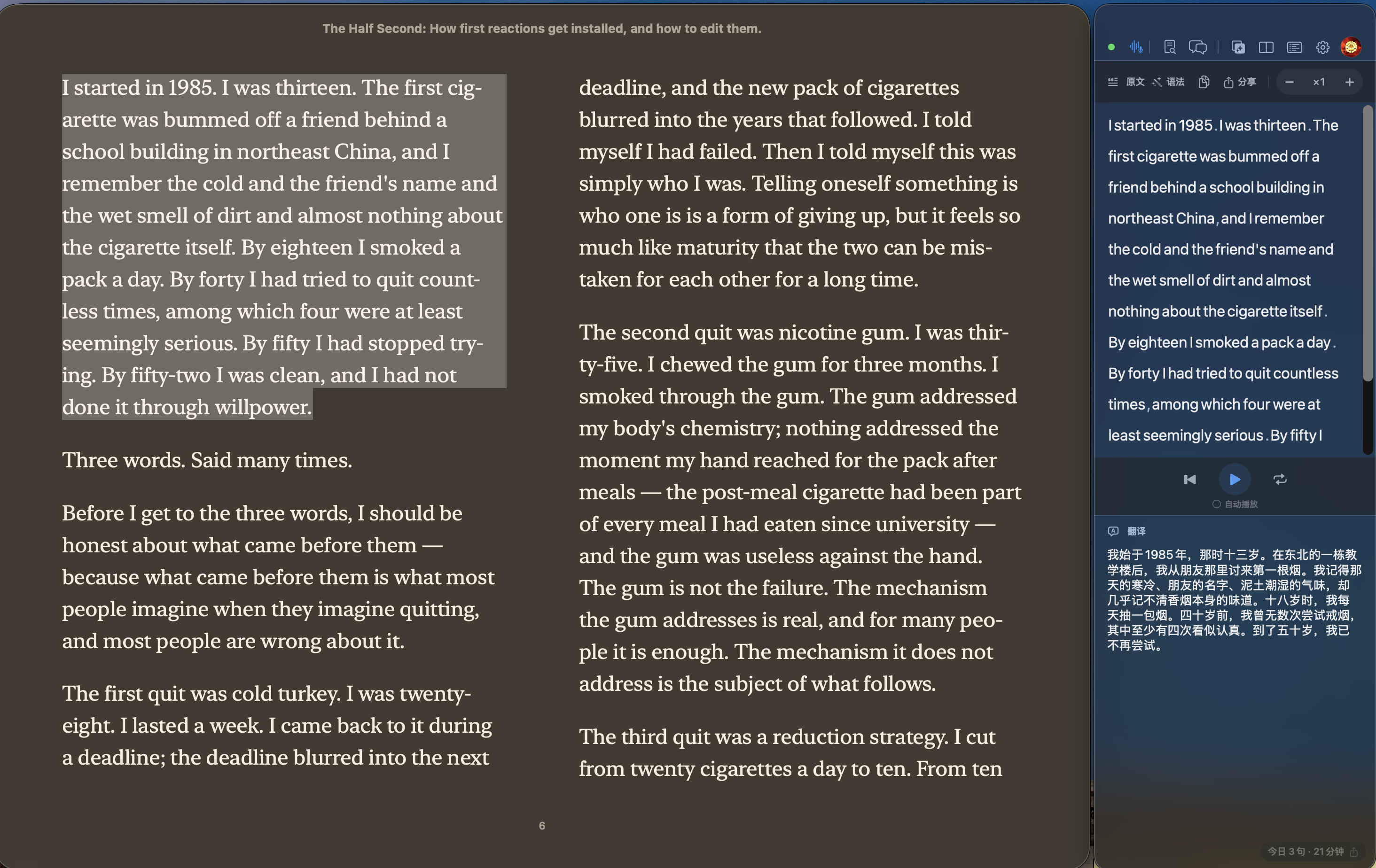
Read foreign-language books in Apple Books, with translation, dictionary lookup, grammar help, and read-aloud support right beside the original text. The current version is Apple-notarized and ready to download.
Apple Books translator
Dictionary
Read-aloud
AI practice
Designed for Apple Books
Keep reading in Apple Books.
Select text
Understand beside it
Apple Books translator · dictionary · read-aloud
Looking for an Apple Books translator or extension? Linguisle works beside the book you are reading.
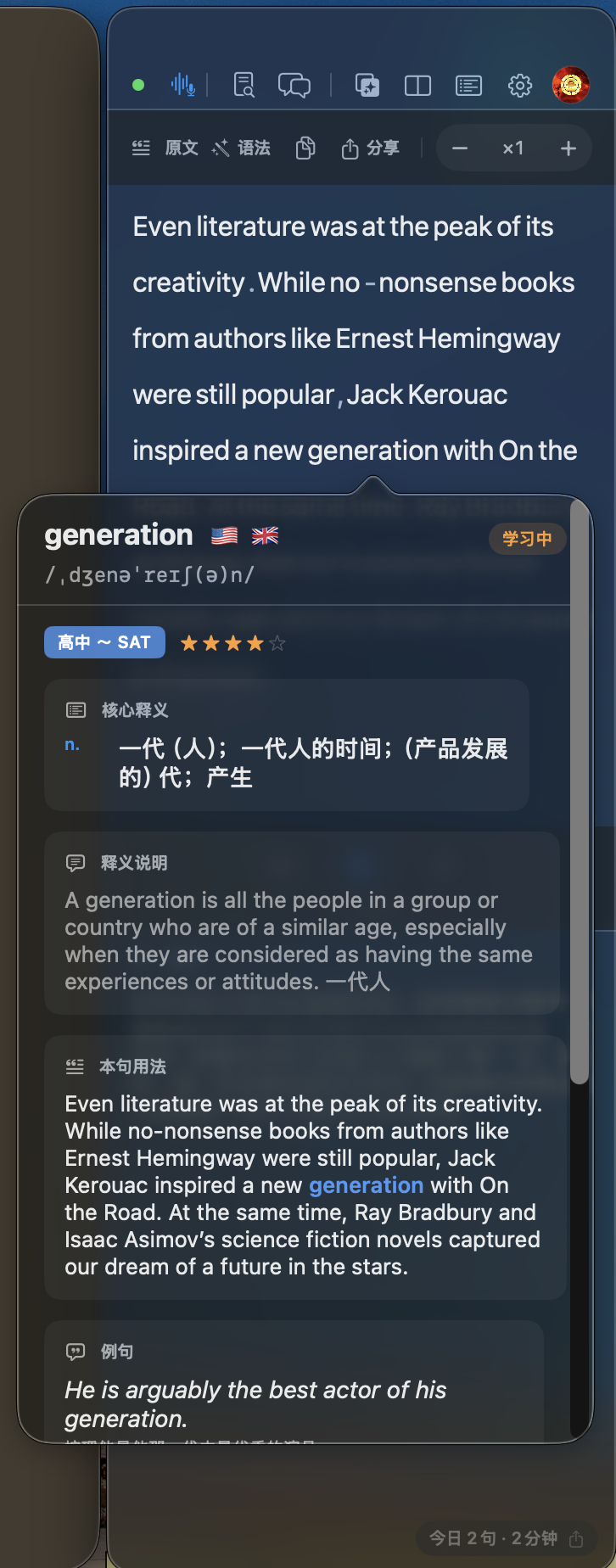
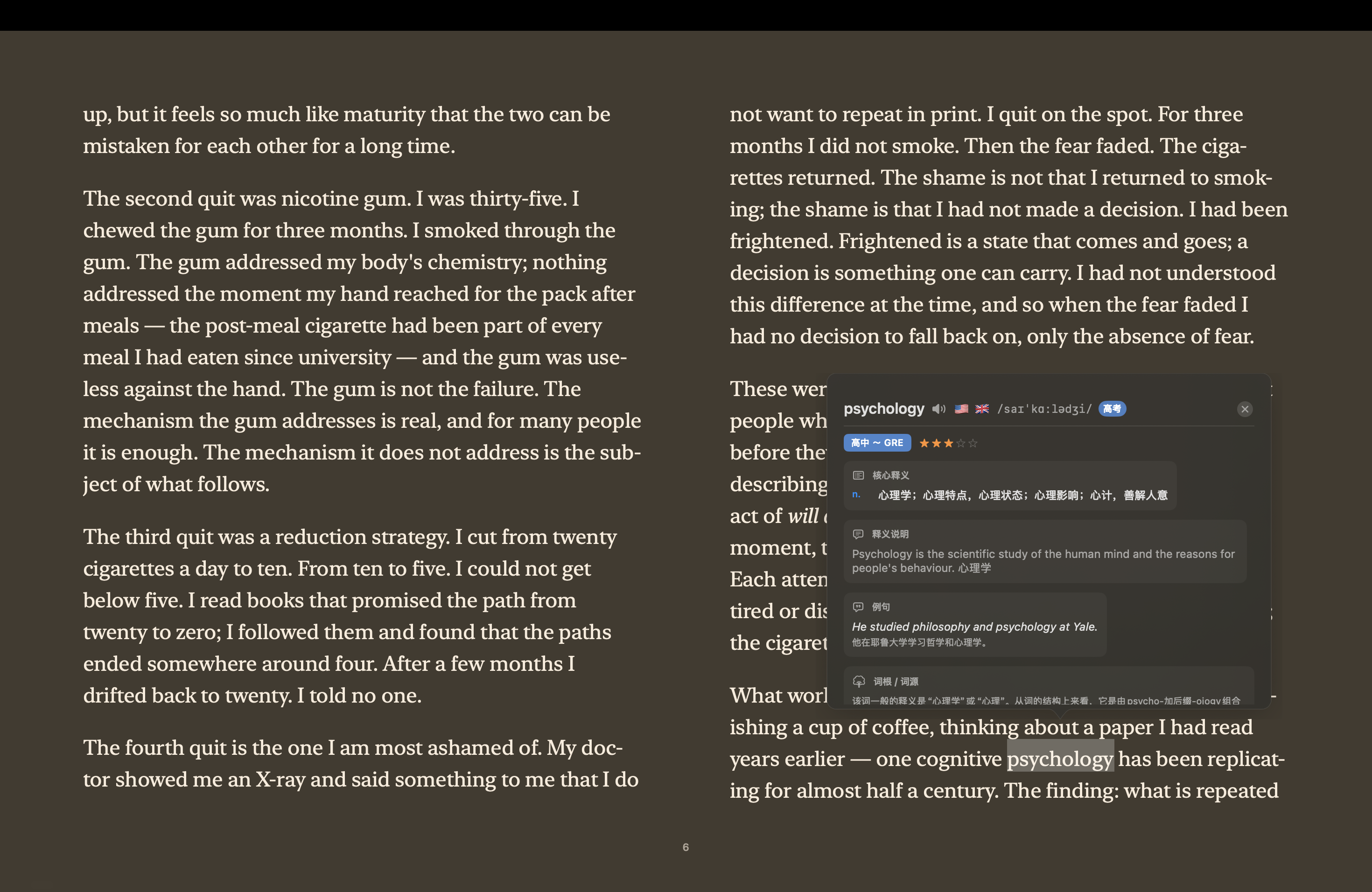
Linguisle is a macOS companion app for Apple Books. Select a sentence to translate it, double-click a word to open a contextual dictionary, listen to the original text, review grammar, and continue with AI conversation or writing practice from what you just read.
Search terms covered: Apple Books translator, Apple Books translation app, Apple Books dictionary, read aloud, macOS language learning app.
Book excerpts are shown only for product UI demonstration, excerpted from Xiaolai Li, The Half Second. Contact us if there is any concern.
Stay with the original
Explain in context
Practice from reading
Immersive reading
Select a sentence. Translation appears below it and reading starts immediately.
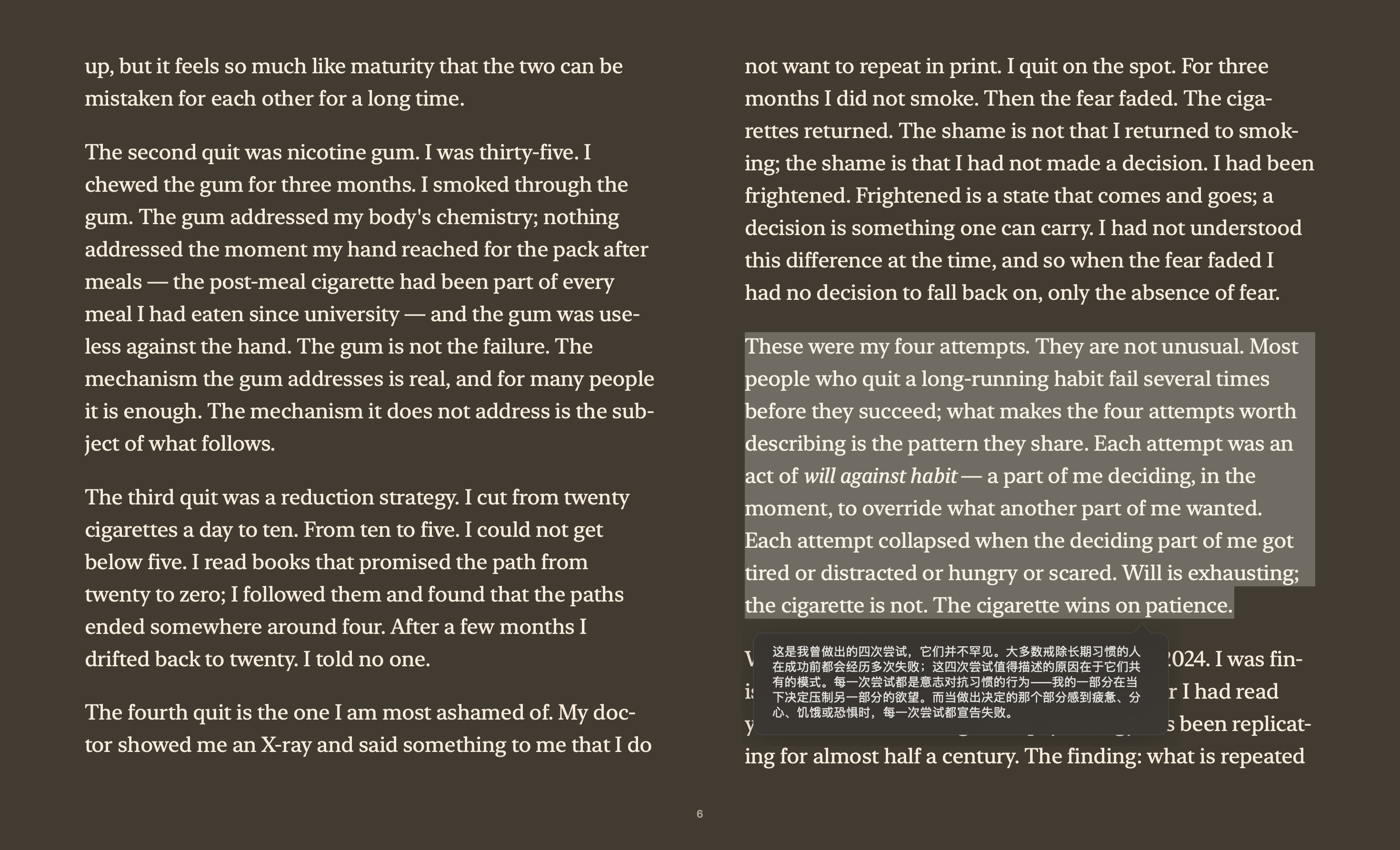
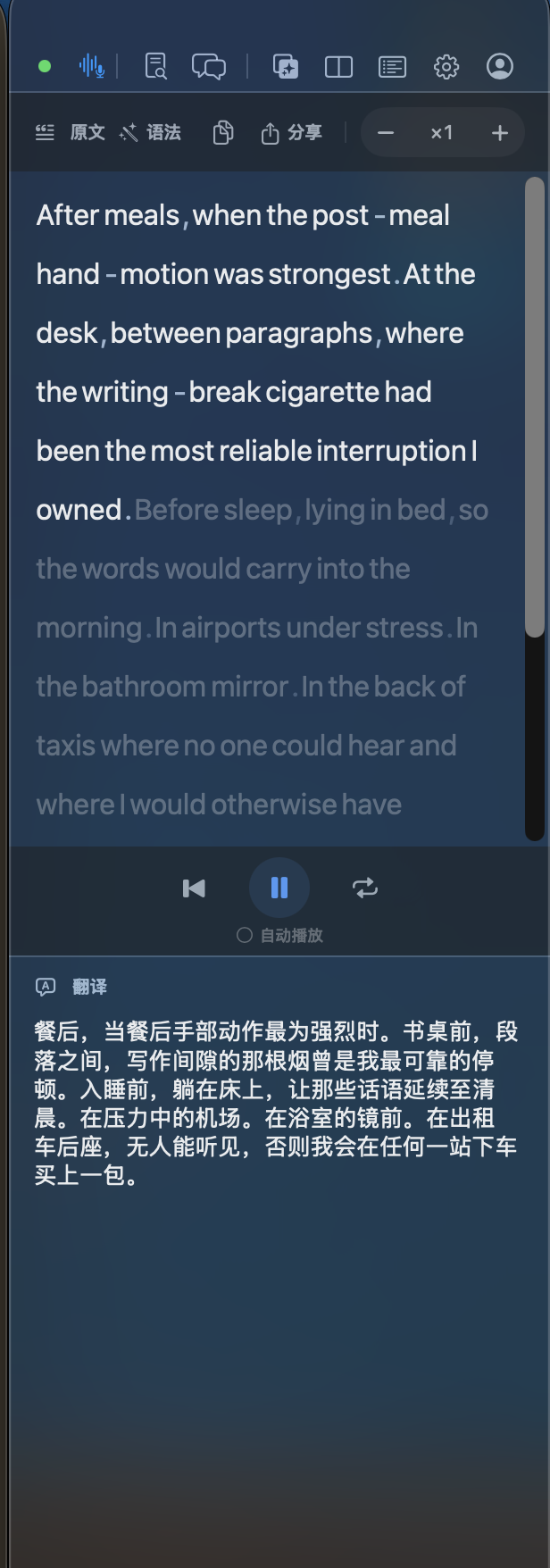
Reading comprehension
When a sentence blocks you, listening is beside it.
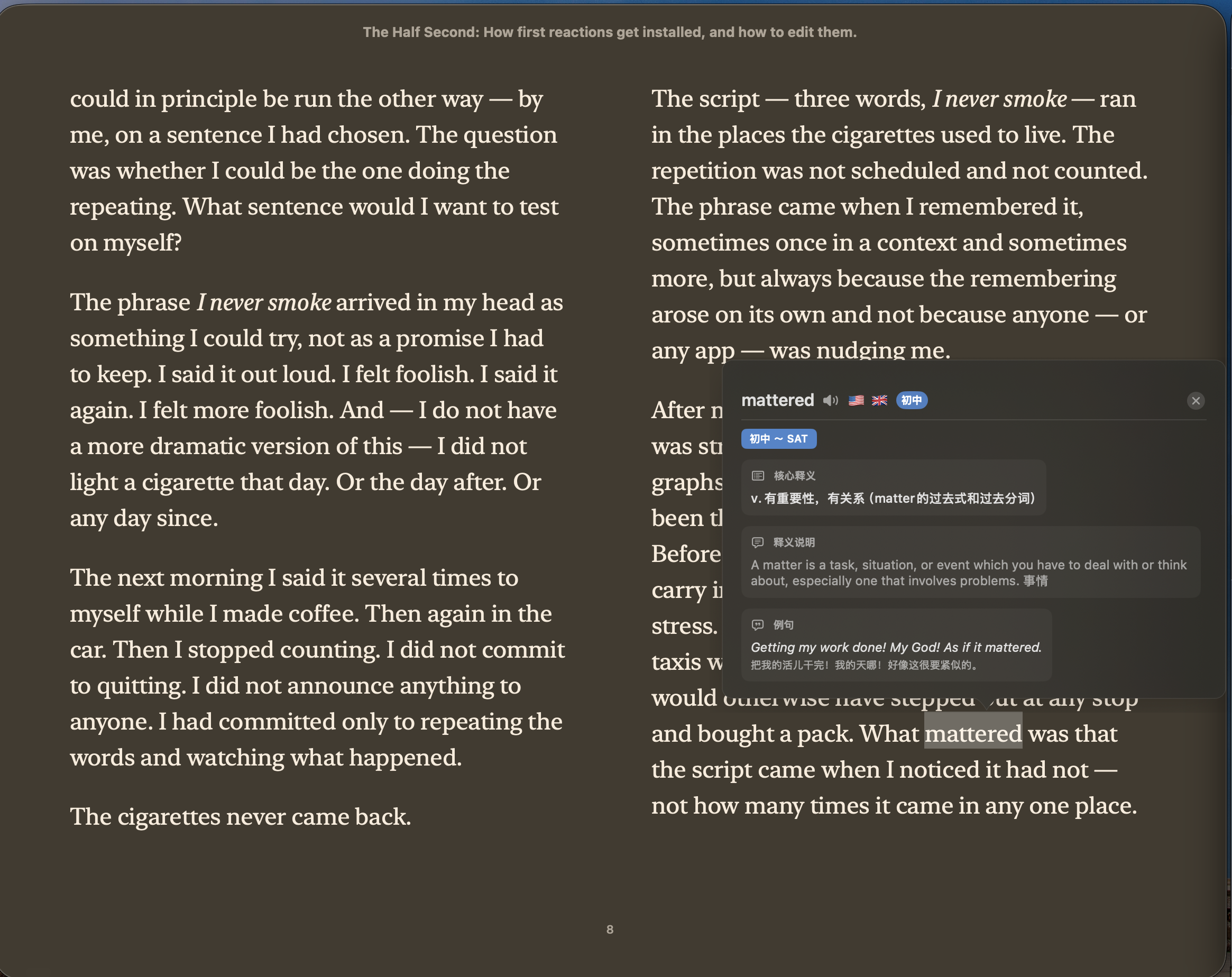
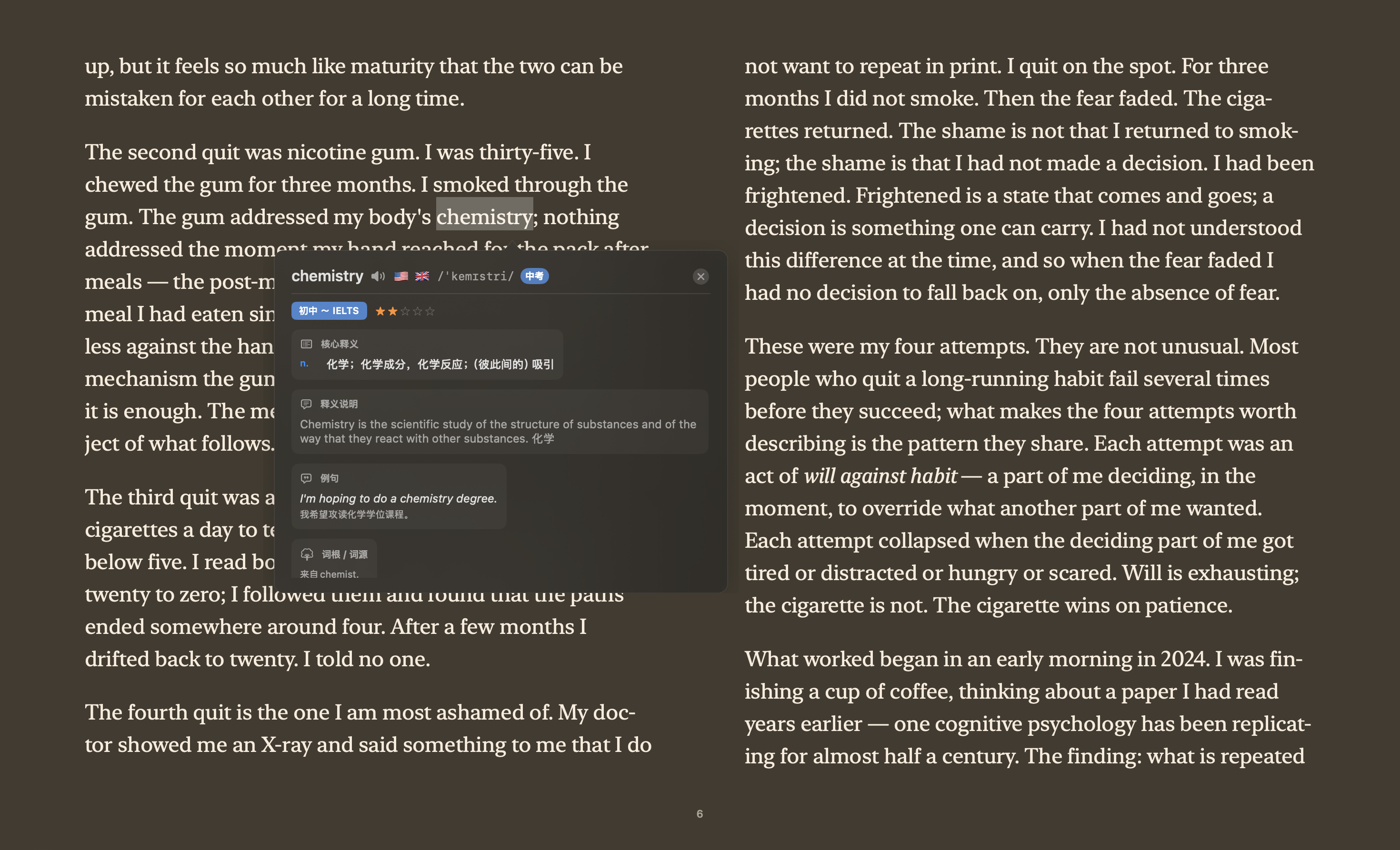
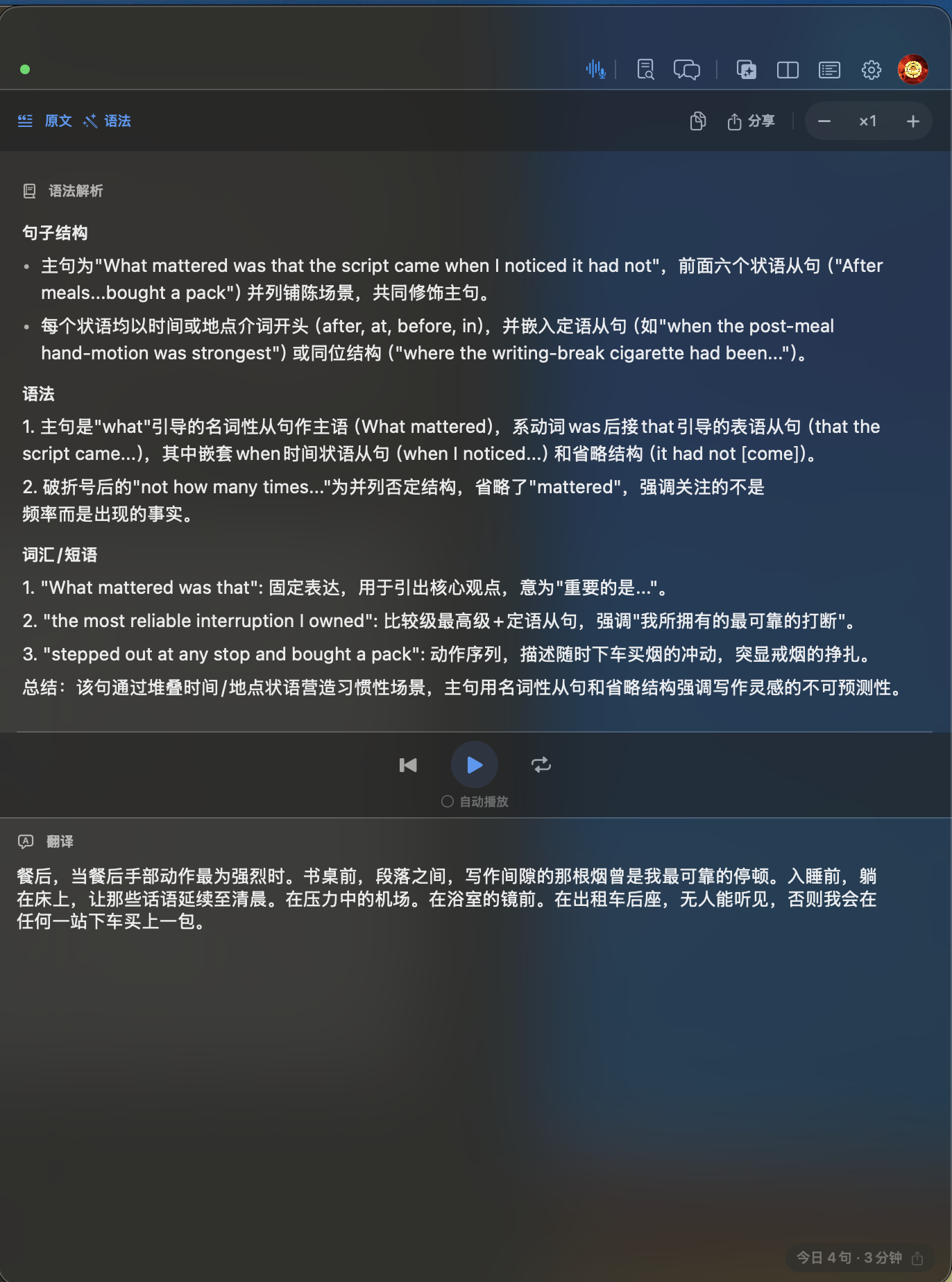
Grammar and vocabulary
Break down hard sentences. Keep useful words.
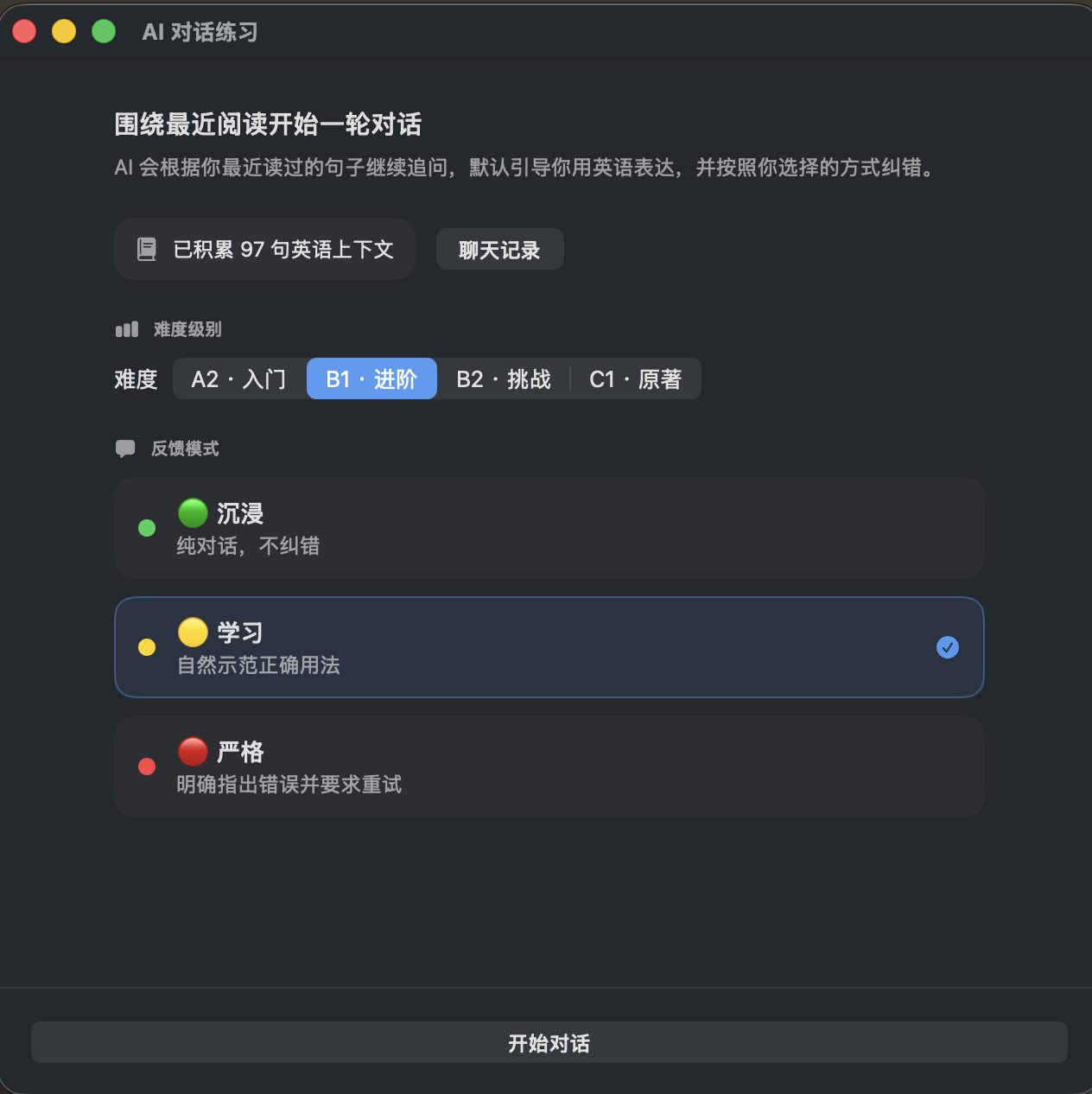
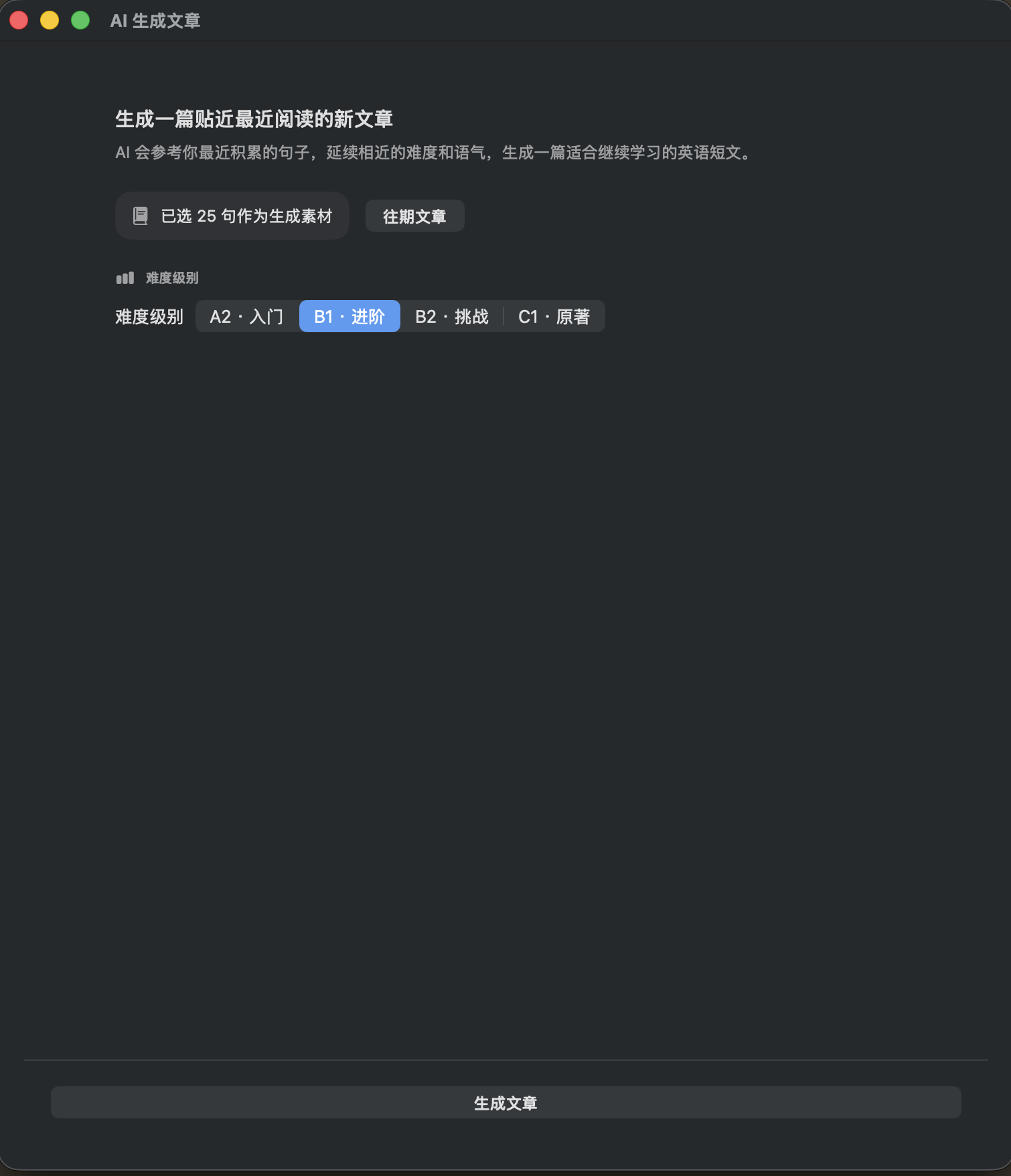
AI practice
No extra worksheets. Practice starts from what you read.
Apple Books companion
Immersive lookup and reading
Read-aloud and listening
Dictionary and vocabulary
AI output practice
FAQ
Search questions
Is Linguisle an Apple Books extension?
Linguisle is a macOS app, not an official Apple extension. It works beside Apple Books like a translator and dictionary companion for selected text.
Can it translate books in Apple Books?
Yes. Select a sentence or double-click a word in Apple Books to see translation, contextual dictionary results, grammar help, and read-aloud controls.
Does Linguisle work as an Apple Books dictionary and read-aloud tool?
Yes. You can double-click a word for contextual definitions, then listen to the selected sentence aloud while reading in Apple Books.
Which languages does Linguisle support?
Linguisle supports English, Chinese, Japanese, Korean, German, French, Spanish, Italian, and Portuguese.
Download
Version 1.1.0 is Apple-notarized.
The recommended Linguisle build supports macOS 15 or later and works on Apple Silicon and Intel Macs. This update adds richer AI practice, improves immersive reading, and makes vocabulary and translation workflows more reliable.